
 Ask in ChatGPT
RLC Bridge
RLC (RLC Token) is the essential cryptocurrency for interacting with the iExec protocol. Whether you are executing tasks, accessing protected data, or participating in the iExec decentralized confidential computing network, you will need RLC tokens on the appropriate network.
This guide helps you bridge RLC tokens to Bellecour (becoming xRLC) and Arbitrum networks using dedicated bridge solutions.
🎯 Why Bridge RLC?
RLC tokens are required for various iExec protocol interactions:
- Task Execution: Pay for confidential computing tasks
- Data Access: Purchase access to protected datasets
- Application Usage: Pay for iApp executions
🗂️ Available Bridges
iExec provides dedicated bridge solutions for seamless token transfers across networks:

Bellecour Bridge
LiveBridge RLC tokens between Ethereum mainnet and Bellecour sidechain (xRLC) in both directions

Stargate Bridge
LiveBridge RLC tokens between Ethereum and Arbitrum mainnet in both directions using LayerZero protocol
🔄 Bellecour Bridge
The Bellecour Bridge enables seamless transfer of RLC tokens between Ethereum mainnet and the Bellecour sidechain in both directions.
From Ethereum to Bellecour (RLC → xRLC)
- Connect Wallet: Visit Bellecour Bridge and connect your wallet
- Select Direction: Choose "Ethereum → Bellecour"
- Select Amount: Choose the amount of RLC you want to bridge
- Confirm Transaction: Approve the bridge transaction on Ethereum mainnet
- Receive xRLC: Your xRLC tokens will be available on Bellecour network
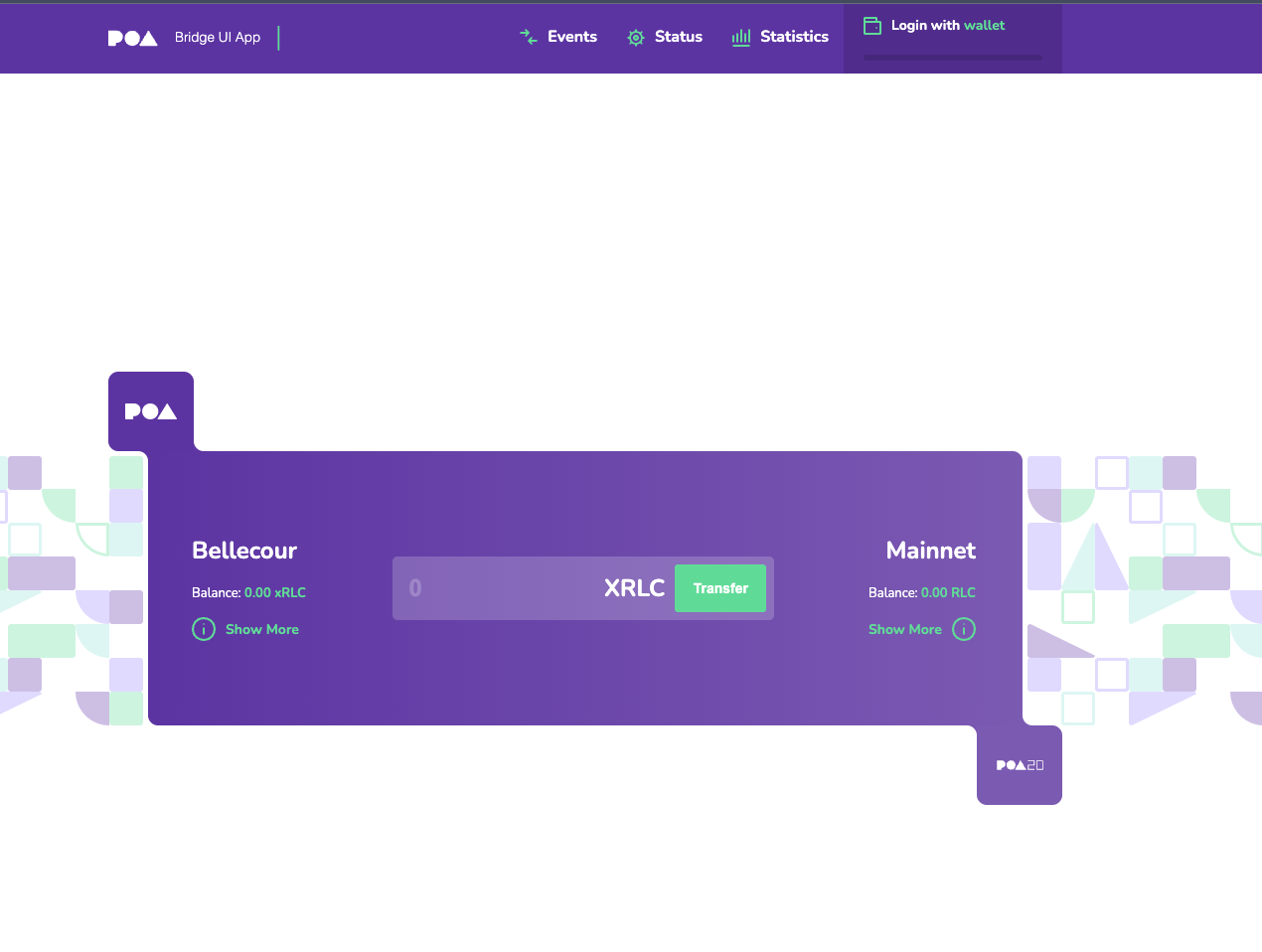
🔄 Bidirectional Bridge
The bridge interface automatically detects your wallet's network and available tokens. The process is similar in both directions - simply select the appropriate source and destination networks, and the bridge will handle the conversion between RLC and xRLC seamlessly.
⚡ Stargate Bridge
The Stargate Bridge powered by LayerZero enables cross-chain transfers of RLC tokens between Ethereum and Arbitrum mainnet in both directions.
From Ethereum to Arbitrum
- Visit Stargate: Go to Stargate
- Connect Wallet: Connect your wallet to the Stargate interface
- Select Networks: Choose Ethereum as source and Arbitrum as destination
- Select Token: Choose RLC as the token to bridge
- Enter Amount: Specify the amount of RLC to transfer
- Confirm Transaction: Approve the bridge transaction

🔄 Bidirectional Bridge
The Stargate bridge interface automatically detects your wallet's network and available RLC tokens. The process is similar in both directions - simply select the appropriate source and destination networks to transfer RLC between Ethereum and Arbitrum seamlessly.